
Prompt Engineering for AI Design — 20 Prompts That Generate Professional Marketing Materials
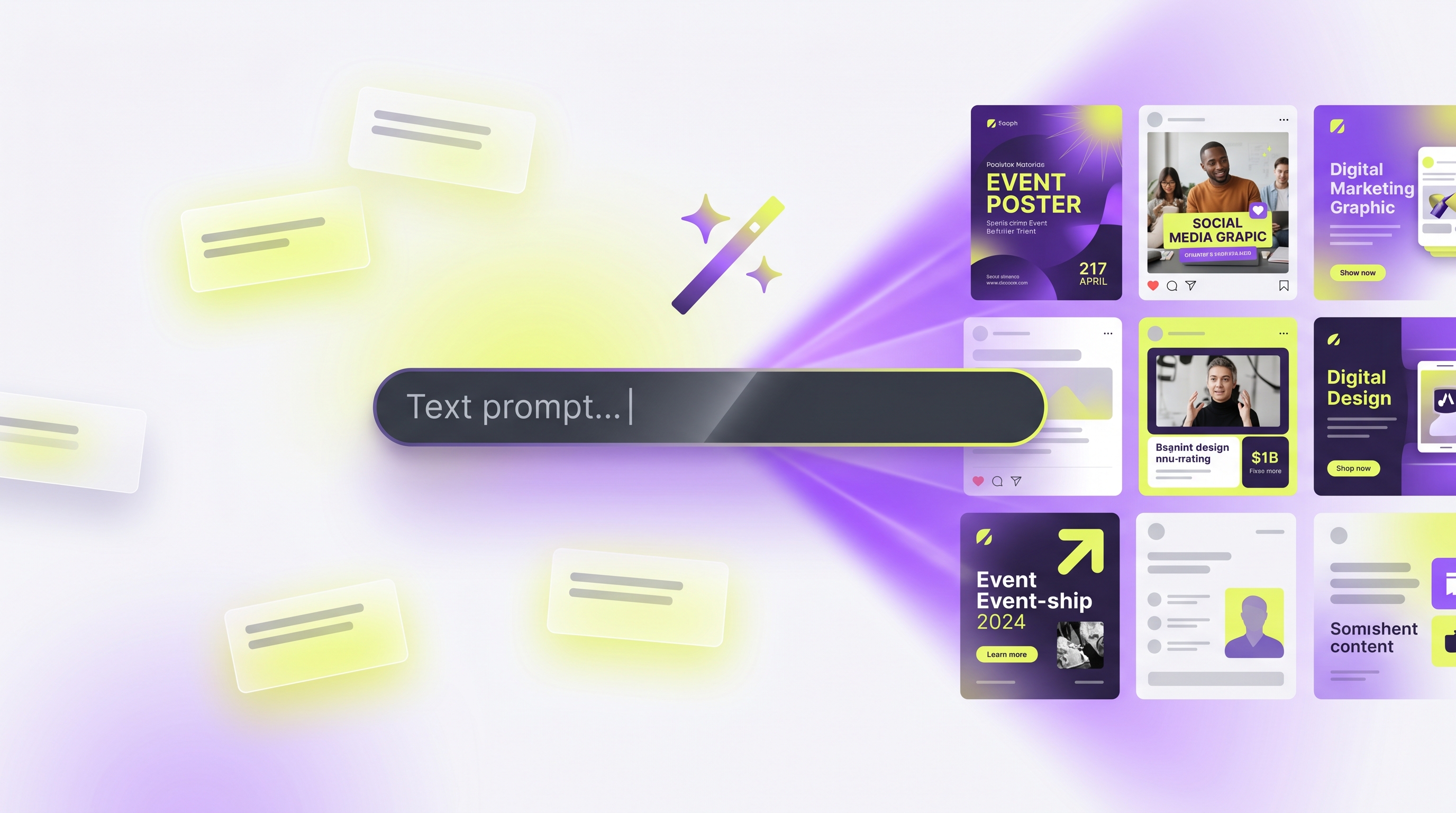
A strong AI design prompt names seven things: the subject, the format, the visual style, brand cues, the dimensions or aspect ratio, the mood, and any text that must appear. Get those right and an AI design tool produces a usable, on-brand asset on the first try instead of a vague stock-photo blur. This guide breaks down the anatomy of effective AI design prompts, then hands you a library of 20 copy-ready example prompts grouped by use case — the best prompts for AI image generation, ready to adapt to your own brand.
The anatomy of a strong AI design prompt
Think of a prompt as a brief you'd hand a designer — the more constraints you give, the closer the result lands. Seven components do the heavy lifting:
- Subject. What the asset is about — be concrete: "a ceramic pour-over coffee dripper," not "coffee stuff."
- Format. The asset type — Instagram post, story, ad creative, carousel slide, email header, poster, thumbnail, slide. This sets the layout.
- Style. The visual treatment — flat illustration, 3D render, editorial photography, bold typographic, minimalist, retro. Style is perceived first.
- Brand cues. Colors, fonts, logo placement, and tone — what keeps an asset recognizably yours rather than generic.
- Dimensions / aspect ratio. Exact pixels or a ratio so the asset fits its destination without cropping or re-work.
- Mood. The emotional register — energetic, calm, premium, playful, urgent. Mood guides color, lighting, and spacing.
- Text to include. The exact headline, CTA, or label, in quotes, so the tool renders the words you want.
Weak vs strong, side by side
The difference is almost entirely specificity — the same idea, written both ways:
| Weak prompt | Strong prompt | |
|---|---|---|
| Wording | "Make a post about our summer sale" | "Instagram post (1080x1080) for a 30% summer sale on swimwear; bright editorial photography, sand-and-turquoise palette, airy and upbeat mood; headline 'Summer, 30% Off' top-left, CTA 'Shop Now' bottom" |
| Subject | Unclear | Swimwear, 30% off |
| Format | Missing | Instagram post, 1080x1080 |
| Style/mood | Missing | Editorial photo, airy, upbeat |
| Text | Missing | Exact headline + CTA |
| Result | Generic, off-brand | Usable on first try |
You don't need to label the seven parts — just include them in one natural sentence, as the strong example does.
Common dimensions to specify
Naming the right size up front saves a re-render:
| Asset | Dimensions / ratio |
|---|---|
| Instagram / square post | 1080 x 1080 (1:1) |
| Instagram story / reel cover | 1080 x 1920 (9:16) |
| Carousel slide | 1080 x 1350 (4:5) |
| Email header | 1200 x 400 |
| YouTube thumbnail | 1280 x 720 (16:9) |
| Poster (print) | A3 or 3508 x 4961 at 300 DPI |
| Presentation slide | 1920 x 1080 (16:9) |
The 20-prompt library
Copy any of these and swap in your own subject, offer, and brand words. Each includes subject, format, style, mood, and text so you get a usable result fast. With a platform that stores a brand profile, you can drop the color and font lines entirely (see the note after the library).
Social posts
A square Instagram post (1080x1080) announcing a new oat-milk latte; warm flat-lay photography, cozy autumnal mood; headline "Fall in a cup" centered, CTA "Try it this week" at the bottom.
A 9:16 Instagram story (1080x1920) with one bold stat, "73% faster onboarding," on a clean gradient; modern minimalist style, confident mood; small brand logo in the top corner.
A LinkedIn post graphic (1200x1200) sharing a three-step framework; editorial typographic style with numbered blocks, authoritative mood; headline "The 3-step retention loop."
Ad creatives
A Meta ad creative (1080x1080) for a productivity app free trial; 3D-render of a floating phone UI, energetic blue-and-white palette; headline "Plan your week in 5 minutes," CTA "Start free."
A retargeting ad (1080x1350) for abandoned-cart shoppers; studio product photo of running shoes, urgent but premium mood; text "Still thinking it over? 10% off today," CTA "Complete order."
A Google Display banner (300x250) for a B2B webinar; minimal corporate style, calm and credible mood; headline "Live: Scaling RevOps," CTA "Save my seat."
Carousels
A 6-slide Instagram carousel (1080x1350 each) teaching "5 email subject-line mistakes"; consistent bold typographic style, one mistake per slide, cover plus a CTA slide "Save this for your next campaign."
A 5-slide LinkedIn carousel (1080x1350) on a customer success story; editorial style with pull quotes, warm trustworthy mood; cover "How Acme cut churn 22%," closing slide "Want similar results?"
Email headers
An email header (1200x400) for a product launch; sleek gradient with a small product render on the right, clean modern style, exciting mood; headline "Meet the new dashboard" left-aligned.
A seasonal email header (1200x400) for a holiday sale; festive but minimal, deep green palette, cheerful mood; text "Holiday Sale — up to 40% off" with subtle snow texture.
Posters
An event poster (A3, 300 DPI) for a live jazz night; vintage screen-print style, moody amber-and-black palette; headline "Jazz Night," subline "Friday 8pm," venue and date at the bottom.
A motivational poster (3508x4961, 300 DPI) for an office wall; bold minimalist typography on a single-color background, calm focused mood; quote "Done beats perfect" centered.
Thumbnails
A YouTube thumbnail (1280x720) for a tutorial; high-contrast face-plus-text style, punchy mood; large text "I tried it for 30 days," surprised expression, bright accent arrow.
A podcast thumbnail (1280x720); split layout with a guest photo on the left, dark editorial style, intriguing mood; title "Building in public" and small episode number.
Presentations
A title slide (1920x1080) for a quarterly business review; clean corporate style, confident mood, generous white space; title "Q3 Performance Review," subtitle with quarter and company name.
A data slide (1920x1080) presenting one key metric; minimalist style with a single large number "$1.2M ARR" and a short label, optimistic mood.
Other high-value formats
A blog cover image (1200x630) on remote hiring; flat illustration style, friendly approachable mood; title overlay "Hiring across time zones."
A pricing-page hero graphic (1600x900); soft 3D shapes, trustworthy premium mood; headline "Simple pricing, no surprises," subtle accent color.
A short UGC-style video (1080x1920, 9:16) for a skincare serum; handheld authentic feel, bright natural light, sincere mood; captions "3 weeks, real difference," ending on the product with CTA "Shop the serum."
A printable one-page flyer (A4, 300 DPI) for a local fitness class; energetic bold style, high-contrast palette, motivating mood; headline "Sunrise HIIT — Saturdays 7am," with location, price, and sign-up line at the bottom.
Let the brand profile carry the consistency
Notice most prompts above still hint at palette and mood. In a tool where your brand profile is applied automatically — like Meepo, which stores your colors, fonts, logo, and guidelines — you can drop those lines entirely and keep the prompt focused on the idea: "A 6-slide carousel teaching 5 email subject-line mistakes, with a final save CTA." That means shorter prompts, faster iterations, and consistent output across dozens of assets.
If you're starting from zero, building a brand kit from scratch sets up exactly what the AI then applies, and the same discipline powers repurposing a blog post into 10 social designs.
A repeatable prompt formula
When you're unsure where to start, fill each slot of this template:
[Format] ([dimensions]) for [subject/offer]; [style], [palette if not brand-managed], [mood]; headline "[exact text]", CTA "[exact text]".
It forces the seven components into one line. Iterate by changing one variable at a time so you learn what your audience responds to instead of regenerating blindly.
To put these to work, sign up free for a brand and 20 credits with no credit card, then paste any prompt above and adapt it. For chat-driven generation, drive it from an AI agent via the MCP setup guide.
FAQ
What makes a good AI design prompt?
A good prompt is specific about seven things: subject, format, style, brand cues, dimensions or aspect ratio, mood, and any text to include. The more of these you name, the closer the first result lands, which means fewer regenerations. Writing exact headlines and CTAs in quotes is especially important, because it tells the tool the precise words to render.
What dimensions should I use for social media designs?
Use 1080 by 1080 for square Instagram posts, 1080 by 1920 for stories and reels, and 1080 by 1350 for feed and carousel slides. For YouTube thumbnails use 1280 by 720, and for email headers around 1200 by 400. Naming the exact size in your prompt avoids awkward cropping and saves a re-render.
How do I keep AI-generated designs on-brand?
Use a tool that stores a brand profile with your colors, fonts, logo, and guidelines, so it applies them automatically to every asset. That lets your prompts stay focused on the idea instead of repeating palette and font instructions each time. The result is consistent output across dozens of pieces without manual restating.
Can I just copy these example prompts?
Yes. Each prompt in the library is written to be copy-ready, so paste one and swap in your own subject, offer, and exact text. They already include format, style, mood, and dimensions, which is the structure that produces usable results. Then iterate by changing one variable, such as the style or mood, to refine.
Why do my AI designs look generic?
Generic output almost always comes from a vague prompt that skips format, style, mood, and text. When you only say "make a sale post," the tool fills the gaps with stock-looking defaults. Add a concrete subject, an exact headline, a defined style, and the right dimensions, and the same tool produces something specific and on-brand.
Ready to automate your design workflow?
Try Meepo free — AI generates designs instantly, human designers polish to agency quality.
Start Free