
Meepo vs Canva in 2026 — AI Design Generation vs Template Editing
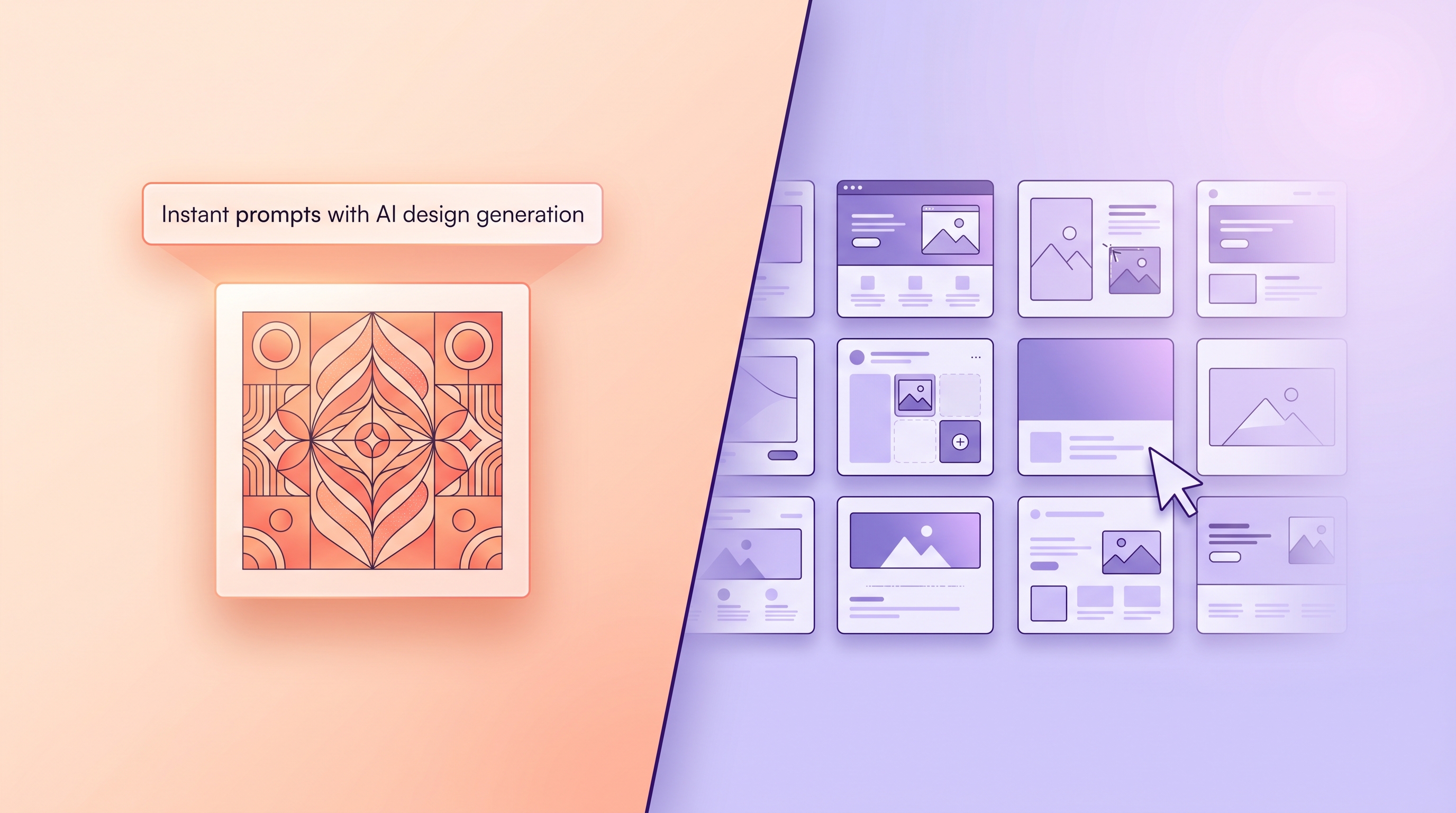
Meepo vs Canva comes down to one structural difference: Canva is template editing, where you assemble an asset from a library, while Meepo is prompt-based AI generation, where you describe what you want and it creates on-brand designs from your brand profile. If you're searching for a Canva alternative with AI, the real question isn't "which has more features" — it's whether you'd rather assemble designs by hand or direct them and let the tool generate. This guide compares AI design vs Canva templates fairly, with each tool recommended for the jobs it genuinely does best.
Let's be clear up front: Canva is a great product. The goal here is to explain the difference honestly so you pick the right tool, not to crown a universal winner.
The core difference: editing vs generating
Canva hands you a vast library of templates. You search, pick one, and bend it toward your brand by swapping text, images, colors, and layout. It's intuitive, fast for one-offs, and the template selection is genuinely huge. You're the editor.
Meepo flips the workflow. You store your brand once — colors, fonts, logo, and guidelines as a brand profile — then you describe the asset in a prompt and Meepo generates on-brand options: posters, social posts, carousels, ad creatives, captions, and videos. You're the director.
Template editing: start from someone else's layout, make it yours by hand. AI generation: describe the outcome, get on-brand drafts built around your brand.
Both produce a finished graphic. The difference is who does the assembly work and how the result scales when you need fifty assets instead of one.
Where Canva genuinely shines
Credit where it's due — these are real strengths, not throwaway lines:
- Template library. Canva's catalog is enormous and covers nearly every format and occasion. For inspiration or a quick one-off, it's hard to beat.
- Ease of use. The drag-and-drop editor is famously approachable. A non-designer can make something presentable in minutes.
- Collaboration and breadth. Real-time editing, sharing, presentations, docs, whiteboards — Canva is a broad creative suite, not just a graphics tool.
- Manual control. When you want to place every element by hand, a direct editor gives you that pixel-level control.
If your need is occasional graphics, hands-on layout, or a team that loves a familiar drag-and-drop canvas, Canva is an excellent fit. We won't pretend otherwise.
Where Meepo is built differently
Meepo's advantages are structural, and they show up most when you produce volume:
- On-brand by default. Because generation pulls from your saved brand profile, assets come out matching your colors, fonts, and logo without manual restyling every time. This is the heart of brand consistency at scale.
- Speed at volume. AI generates concepts in seconds. Need ten variations of a campaign? You describe once and generate, instead of editing ten templates by hand.
- MCP / agent control. Meepo is also a design MCP server. Any MCP-compatible AI agent — Claude, ChatGPT, Gemini, Cursor, Windsurf, Manus, plus a Slack bot — can drive Meepo from a chat. Your agent can request designs as part of a larger workflow. Setup lives at the MCP guide.
- Human-polish option. The model is AI-instant, human-polished. On agency plans, senior human designers refine the AI output within 24 hours — a middle ground between pure DIY and a full agency.
- Campaigns, not just assets. Campaign Conceptor AI turns one prompt into many campaign concepts, and auto-posting pushes finished work straight to social.
Feature-by-feature comparison
| Capability | Canva (template editing) | Meepo (AI generation) |
|---|---|---|
| Core workflow | Pick and edit a template by hand | Describe in a prompt, generate on-brand |
| Template library | Extensive, a core strength | Generates instead of relying on a library |
| Brand consistency | Manual; brand kit helps but you apply it | Pulled from a saved brand profile automatically |
| Speed at volume | Linear — each asset is hand-edited | Flat — generate many from one prompt |
| Ease for non-designers | Very approachable drag-and-drop | Approachable; you write a prompt |
| Agent / MCP control | Not a generation-via-agent model | Native MCP server for AI agents |
| Human refinement | You do the polishing | Optional senior-designer polish on agency plans |
| Collaboration suite | Broad: docs, whiteboards, presentations | Focused on branded content and campaigns |
The honest summary: Canva is a broad, manual creative suite with a deep template library; Meepo is a focused, brand-aware generation engine for producing on-brand content at volume — and a server your AI agents can drive directly.
Pricing approach (in plain terms)
We won't put numbers on Canva's plans here — those change and you should check them directly. What's worth knowing is how Meepo structures access. There's a Free plan at $0 (20 credits, 1 brand, no credit card), then Creator at $8, Pro at $20 (3 brands, AI video), and Team at $100 (5 brands). For AI-plus-human-designer work, Agency Essential is $199 (30 human requests a month, 24-hour turnaround) and Premium is $699. As a rule of thumb, about 1 credit makes an image, ~6 credits make a 6-slide carousel, and ~13–19 credits make a video — so you can size a plan to your real output.
How to choose between them
Match the tool to the job with these steps:
- Count your weekly volume. A few assets occasionally points to Canva; steady, high-volume output points to generation. Volume is the deciding variable.
- Check your brand discipline. If staying on-brand every time is hard manually, a brand-profile-driven generator removes that burden.
- Decide who does the layout. Want to place every element yourself? Canva. Want to direct and review? Meepo.
- Look at your workflow. If AI agents already run parts of your stack, Meepo's MCP server lets them request design directly — see the agentic design era for what that unlocks.
- Decide how much polish you need. Pure self-serve is fine for most; if you want senior-designer refinement without a full agency, Meepo's agency plans cover that, as explored in human-in-the-loop after AI generates your design.
Which should you use?
Use Canva for one-off graphics, hands-on layout, presentations and docs, or when a familiar drag-and-drop editor suits the team. Its library and ease of use are real, lasting advantages.
Use Meepo when you need on-brand assets at volume, want generation instead of manual editing, want AI agents to drive design via MCP, or want an AI-plus-human-polish option. If brand consistency at scale is your problem, that's the gap Meepo is built for — and you can try the free plan without a credit card. For the broader landscape, the best AI tools for social media design in 2026 puts both approaches in context.
FAQ
What is the main difference between Meepo and Canva?
Canva is a template-editing tool: you pick a pre-made layout from a large library and adjust it by hand. Meepo is an AI generation platform: you describe what you want and it creates on-brand designs from your saved brand profile. The split is manual assembly versus prompt-based direction.
Is Meepo a good Canva alternative for AI design?
Meepo is a strong fit if you want AI to generate on-brand assets rather than edit templates manually, especially at higher volume. It pulls your colors, fonts, and logo from a brand profile so output stays consistent, and it can be driven by AI agents through its MCP server. Canva remains better for one-off graphics and hands-on layout control.
Does Canva have better templates than Meepo?
Canva's template library is one of its biggest genuine strengths and is extensive across formats. Meepo takes a different path entirely by generating designs around your brand instead of relying on a template catalog. If browsing a large library is what you want, Canva leads there; if you want generated on-brand output, Meepo leads.
Can AI agents control Meepo through MCP?
Yes. Meepo is a design MCP server, so MCP-compatible AI agents such as Claude, ChatGPT, Gemini, Cursor, Windsurf, and Manus can drive it from a chat, along with a Slack bot. That lets an agent request and generate designs as part of a larger automated workflow. Setup instructions are on the Meepo MCP guide page.
Is there a free version of Meepo?
Yes, Meepo has a free plan at zero dollars that includes 20 credits and one brand, and it does not require a credit card. As a rough guide, about one credit produces an image and around six credits produce a six-slide carousel. Paid plans add more brands, credits, AI video, and human-designer refinement.
When should I use Canva instead of Meepo?
Use Canva when you need occasional one-off graphics, want to place every element by hand, or rely on its broader suite of docs, presentations, and whiteboards. Its drag-and-drop ease and large template library make it excellent for those jobs. Meepo fits better when you need on-brand content generated at volume or want AI agents to drive design.
Ready to automate your design workflow?
Try Meepo free — AI generates designs instantly, human designers polish to agency quality.
Start Free