
What Happens After the AI Generates Your Design — The Human-in-the-Loop Quality Layer
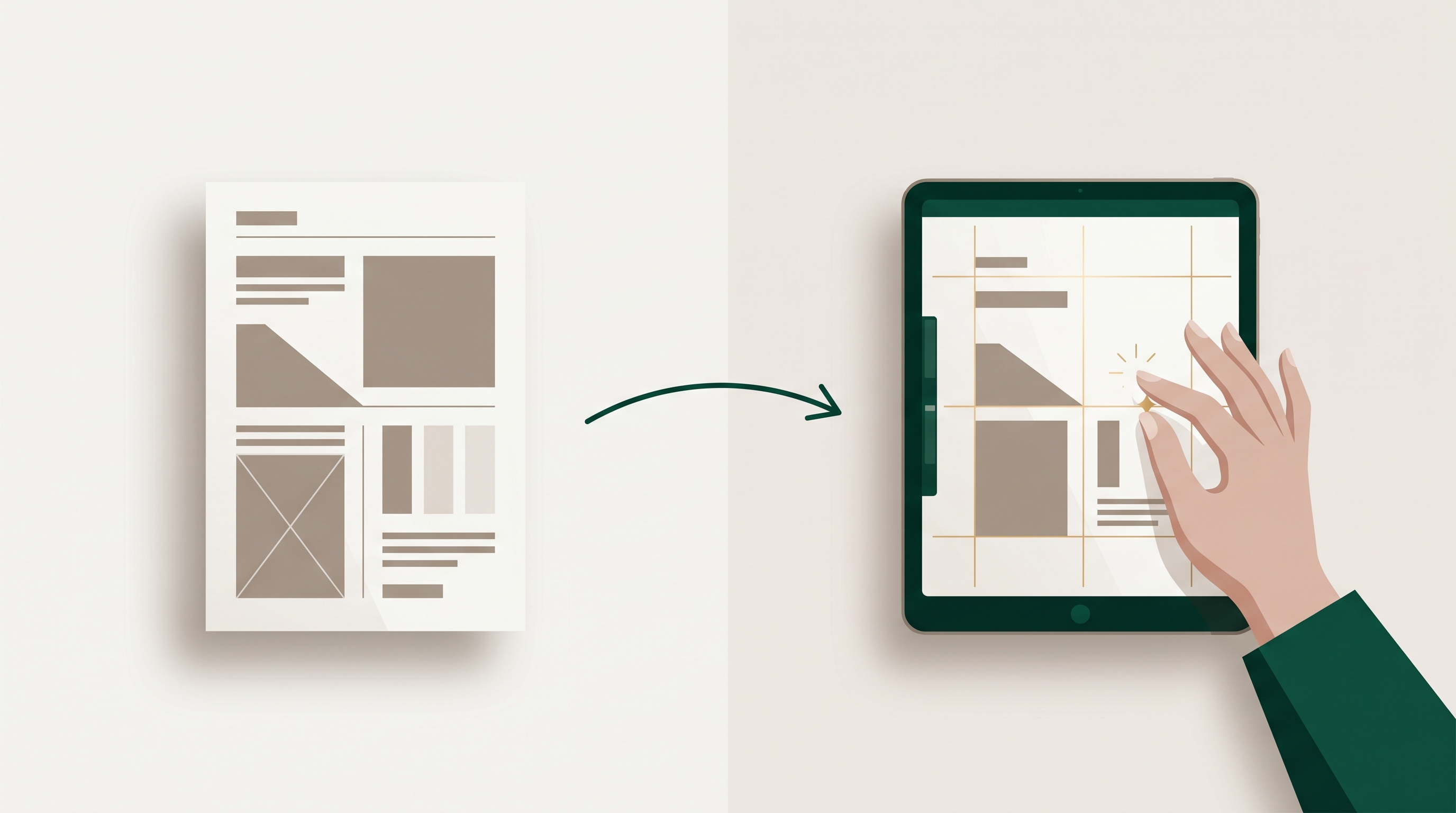
After an AI generates your design, a human designer's job is to turn a fast, plausible concept into something client-ready — refining typography, fixing spacing and composition, applying real brand nuance, ensuring accessible contrast, and cleaning up AI artifacts. This human-in-the-loop layer is what separates a draft that "looks about right" from work you'd put your name on. For client-facing output, the hybrid of AI speed plus human judgment consistently beats pure-AI, and understanding why helps you decide when AI alone is enough and when it isn't.
AI design quality has improved dramatically, and a lot of skepticism about it is outdated. But the honest, nuanced take is this: AI is excellent at producing a strong first concept fast, and reliably weaker at the last 10% of polish that human eyes catch instantly. That last 10% is where review of AI-generated design earns its keep.
What "human-in-the-loop" actually means here
Human-in-the-loop AI doesn't mean a person redraws everything from scratch. It means a designer takes the AI's output as a serious starting point and makes targeted, expert corrections. The AI did the heavy lifting — layout, color direction, a usable composition — in seconds. The human applies judgment the model can't reliably reproduce.
Here's the concrete work a designer does after generation:
Typography refinement
AI lays out type competently but often imperfectly. A human fixes kerning that's slightly off, adjusts line breaks so a headline reads naturally instead of orphaning a word, tightens or loosens line-height for readability, and ensures the type hierarchy guides the eye. Typography is where amateur work most often gives itself away, and it's the fastest tell a trained designer corrects.
Composition and spacing
Models tend to fill space; designers know when to leave it empty. A human balances visual weight, aligns elements to a consistent grid, fixes inconsistent padding, and creates the breathing room that makes a layout feel intentional rather than crowded. Small spacing corrections often produce the biggest perceived jump in quality.
Brand nuance
A brand kit gets the AI most of the way — correct colors, fonts, and logo. But brand is more than a palette. A designer knows your brand uses one accent color sparingly, that your logo needs a specific amount of clear space, or that a certain tone reads as off-brand even when technically "on-brand." That tacit knowledge lives in a person, not a style guide. This is one reason brand consistency matters more in the AI era, not less.
Accessibility and contrast
AI rarely checks whether text passes contrast standards against its background. A human verifies that body text meets at least a 4.5:1 contrast ratio and large text meets 3:1, per WCAG AA. This isn't just compliance — low-contrast designs literally fail to communicate to a meaningful share of viewers.
Fixing AI artifacts
This is the most obvious failure mode. Generative output can produce warped text, malformed logos, garbled small details, slightly-wrong proportions, or subtly uncanny elements. A human spots and removes these before anything ships. A single artifact in a client deliverable can undo all the time the AI saved.
Pure-AI vs human-in-the-loop, side by side
Both approaches start from the same generated concept. The difference is what happens next.
| Dimension | Pure AI output | Human-in-the-loop |
|---|---|---|
| Speed to first concept | Seconds | Seconds (same start) |
| Typography precision | Usually close, sometimes off | Refined, intentional |
| Composition / spacing | Functional, can feel crowded | Balanced, deliberate |
| Brand nuance | Palette-correct only | Captures tacit brand rules |
| Accessibility / contrast | Not reliably checked | Verified to WCAG AA |
| AI artifacts | May slip through | Caught and fixed |
| Best use | Drafts, volume, internal tests | Client-ready, high-stakes assets |
The takeaway isn't "AI bad, humans good." It's that the two have complementary strengths. AI removes the slow, expensive part — getting from blank canvas to a credible concept. Humans remove the risky part — the polish and judgment that protect a brand's reputation. Used together, you get both speed and trustworthiness; used alone, each leaves a real gap.
When pure-AI is genuinely enough
To be fair to the AI side, plenty of work doesn't need a human pass:
- Internal drafts and mockups. When you're exploring directions, generated concepts are perfect — speed matters more than polish. No reason to spend a designer's time here.
- High-volume, low-stakes assets. Dozens of A/B test variants or quick social posts often don't justify individual human review.
- Rapid iteration. When you're trying ten ideas to find one worth refining, AI alone keeps you fast and cheap.
The rule of thumb: the higher the stakes and the more public the asset, the more a human pass pays for itself. A throwaway test variant doesn't need it; a client's launch campaign does.
How a hybrid workflow runs in practice
A well-designed hybrid process makes the handoff seamless rather than a bottleneck:
- Generate the concept with AI. Feed your brand kit and a clear prompt; get a usable starting point in seconds. This is the speed layer.
- Triage by stakes. Decide whether the asset ships as-is (internal, low-stakes) or routes to a human (client-facing, high-stakes). Not everything needs polish.
- Human refinement pass. A designer corrects typography, spacing, brand nuance, contrast, and artifacts — keeping the strong parts, fixing the weak ones.
- Final brand and accessibility check. Confirm logo clear space, color usage, and contrast ratios before delivery. This is the trust layer.
This is the structural difference between editing-tool workflows and agency-style delivery: see how AI design platforms compare to design agencies on speed, cost, and bespoke depth.
How Meepo builds this in
Meepo is designed around exactly this hybrid model — its approach is AI-instant, human-polished. The AI generates on-brand posters, social posts, carousels, and ad creatives in seconds, working from your stored brand kit so the starting point is already aligned to your colors, fonts, and logo.
The human layer is explicit on its agency plans: senior human designers refine the AI's output and return client-ready work within a 24-hour turnaround. The Essential plan includes 30 human design requests per month, so the human-in-the-loop pass is a built-in step, not an afterthought. Teams that want their AI assistant to kick off the work can also drive generation through the Meepo MCP server, then route the result to a designer for polish.
The point isn't that you need a human on every asset — you don't. It's that for the assets that represent your brand publicly, the combination of AI speed and human judgment produces work that pure-AI, on its own, still can't reliably match.
The bottom line
AI-generated design has earned a real place in professional workflows, and dismissing it wholesale is a mistake. But so is assuming it's finished the moment it's generated. The human-in-the-loop layer — typography, composition, brand nuance, accessibility, artifact cleanup — is what turns a fast concept into a deliverable. The smartest workflow uses AI for the 90% it does brilliantly and a human for the 10% that protects your name.
FAQ
What does human-in-the-loop mean for AI design?
It means a human designer reviews and refines the output an AI generates rather than letting it ship untouched. The AI produces a strong first concept in seconds, and the human applies expert judgment — correcting typography, spacing, brand details, contrast, and any artifacts. The result keeps the speed of AI while adding the polish and reliability of a trained designer.
Is AI-generated design good enough for clients without human review?
It depends on the stakes. For internal drafts, mockups, and high-volume low-stakes assets, pure-AI output is often perfectly fine. For client-facing, public-facing, or high-stakes work, a human pass meaningfully improves quality by catching the last 10 percent of polish and removing artifacts, so the hybrid approach is the safer choice.
What does a human designer fix in an AI-generated design?
A designer refines typography such as kerning and line breaks, rebalances composition and spacing, applies brand nuances a style guide can't fully capture, verifies color contrast for accessibility, and removes any AI artifacts like warped text or malformed logos. These are the details that distinguish amateur-looking output from professional, client-ready work. The AI handles the heavy lifting first, and the human handles the judgment.
Why is the hybrid AI-plus-human model better than pure AI?
Because the two approaches have complementary strengths. AI is fast and cheap at producing a credible concept, while humans are reliable at the polish and judgment that protect a brand. Combining them gives you both speed and trustworthiness, whereas relying on either alone leaves a gap in either quality or efficiency.
How does Meepo handle AI design quality?
Meepo follows an AI-instant, human-polished model. Its AI generates on-brand designs in seconds from your saved brand kit, and on agency plans senior human designers refine that output and deliver client-ready work within a 24-hour turnaround. The Essential agency plan includes 30 human design requests per month, making the human review step a built-in part of the workflow.
How do I check if a design meets accessibility contrast standards?
Compare the contrast ratio between text and its background against WCAG AA guidelines, which require at least 4.5 to 1 for normal text and 3 to 1 for large text. Many design tools and free online checkers calculate this ratio for you. A human reviewer typically verifies contrast as part of refining an AI-generated design, since generators do not reliably check it themselves.
Ready to automate your design workflow?
Try Meepo free — AI generates designs instantly, human designers polish to agency quality.
Start Free