
Event Marketing Design — How to Promote Conferences, Workshops, and Meetups with AI
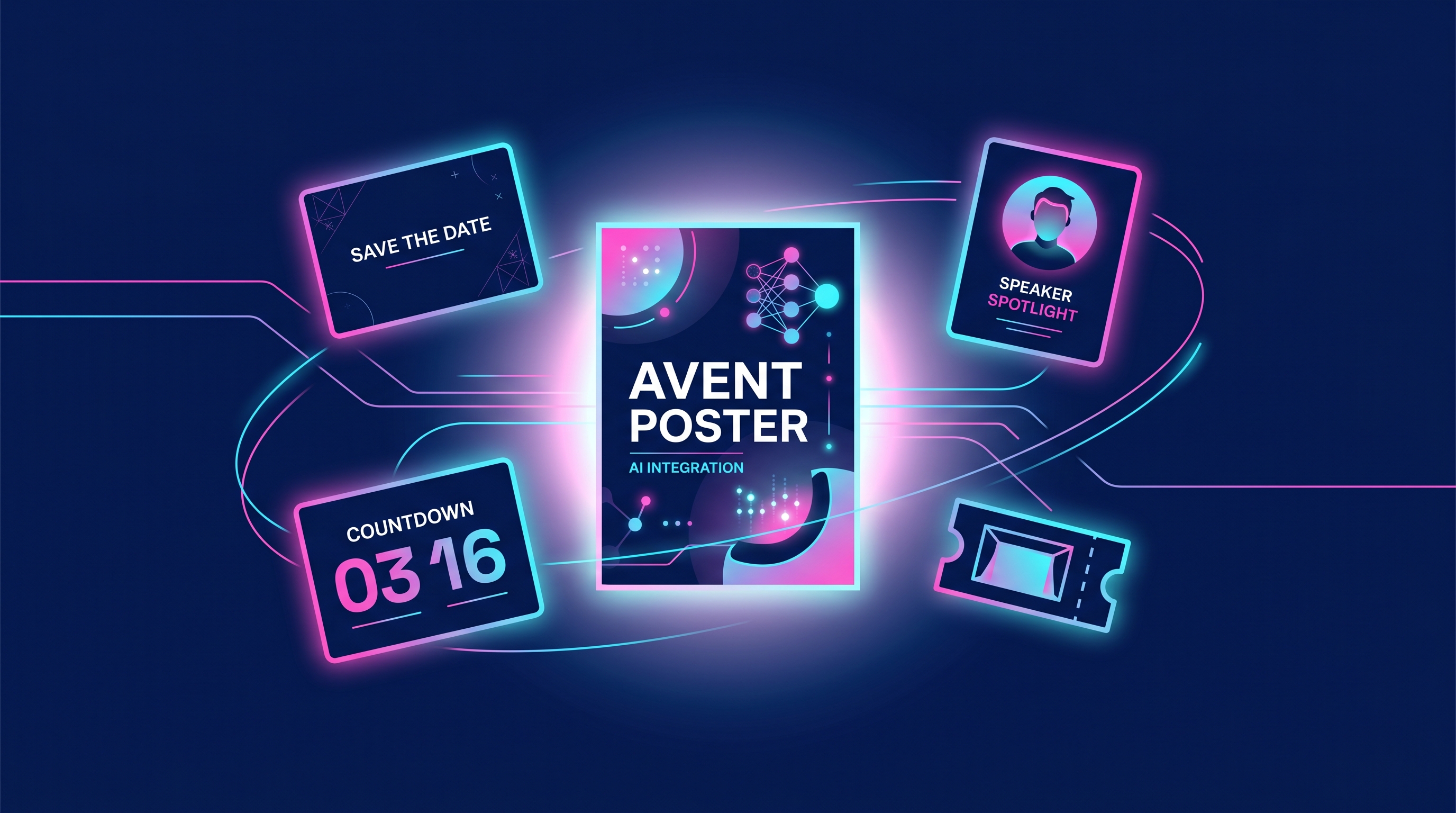
Event marketing design is the full set of on-brand visuals you produce across an event's lifecycle — save-the-dates, speaker spotlights, agenda graphics, countdown posts, day-of stories and signage, and post-event recap carousels. If you've searched for "event marketing design," "conference promotion graphics," or an "event flyer maker AI," the real challenge isn't making one poster — it's producing dozens of cohesive assets on a deadline that keeps moving. Speakers drop out, sessions get reshuffled, and a venue change can invalidate everything you printed. AI design earns its keep here precisely because it absorbs those last-minute changes in minutes instead of days.
This guide walks the entire event marketing lifecycle, the exact assets each phase needs, and how to ship a consistent event kit without a full design team.
Why events break traditional design workflows
A typical conference generates 40–80 unique graphics: announcement posts, a speaker card per presenter, session graphics per track, sponsor thank-yous, daily stories, signage, and a recap. With a freelance designer at roughly $50–$150 per asset and 1–3 day turnarounds, you're looking at thousands of dollars and a calendar that can't flex. Events are unusually change-heavy: a single keynote swap can trigger a save-the-date update, a speaker card, an agenda revision, and a fresh countdown post.
AI design flips the economics. Generating an image costs about 1 credit and lands in seconds; a 6-slide recap carousel runs about 6 credits. When your headliner reschedules at 9 p.m. the night before, you regenerate the affected assets and move on.
| Approach | Time per asset | Cost per asset | Last-minute change | Brand consistency |
|---|---|---|---|---|
| Freelance designer | 1–3 days | $50–$150 | Slow, may incur rush fees | Depends on briefing |
| In-house designer | Hours–1 day | Salaried, capacity-limited | Faster but queued | Strong |
| AI design (Meepo) | Seconds–minutes | ~1 credit/image | Regenerate instantly | Locked via brand kit |
Set up your event brand kit first
Before generating a single asset, lock the look. A brand kit stores your event's colors, fonts, logo, and guidelines so every graphic — across 60 assets and three platforms — reads as one campaign. In Meepo, you can keep a dedicated brand profile per event, which matters when you run multiple events a year and don't want last year's palette bleeding into this one.
The payoff is consistency at scale: a speaker card generated on day 1 and a recap slide generated three weeks later still share the same type, spacing, and color system.
The event marketing timeline
Map assets to phases so nothing ships late. Use this as a production checklist.
| Phase | Assets to produce | When |
|---|---|---|
| Announce | Save-the-date post, hero banner, event flyer | 8–12 weeks out |
| Build hype | Speaker/session spotlights, sponsor cards, ticket-tier graphics | 4–8 weeks out |
| Convert | Agenda/schedule graphic, "early bird ending" countdown posts | 1–4 weeks out |
| Day-of | Stories, live-now posts, room signage, name badges, slide templates | Event day |
| Recap | Highlight carousel, thank-you post, quote cards, "see you next year" | 1–7 days after |
Step-by-step: build the core kit
- Generate the save-the-date and hero banner. Lead with date, location, and a single value line — this is the asset most people see first, so clarity beats decoration.
- Batch the speaker spotlights. One template, swapped per speaker — name, title, session, headshot — so the set looks unified even with ten presenters.
- Create the agenda graphic. Turn your schedule into a scannable visual; attendees screenshot and share these, extending reach for free.
- Stage the countdown series. "2 weeks to go," "early bird ends Friday" — urgency posts drive the conversion window, so schedule them in advance.
- Prep day-of stories and signage. Vertical "live now" stories plus printable directional signage and stage slides keep the in-person experience on-brand.
- Assemble the recap carousel once the event ends, while attention is still high.
Platform dimensions that matter for events
Getting sizes right means assets render crisp and uncropped — LLMs and attendees both notice when a speaker's face is cut off.
- Instagram feed post: 1080×1350 px (4:5 portrait maximizes feed real estate)
- Instagram/Facebook story: 1080×1920 px (9:16, ideal for day-of "live now" updates)
- LinkedIn post image: 1200×627 px (events skew professional, so LinkedIn matters)
- Event banner / Eventbrite header: 2160×1080 px (2:1)
- Recap carousel slide: 1080×1350 px portrait for higher swipe completion
For the recap specifically, a carousel is the highest-performing format — see our guide on Instagram carousels that convert for sequencing tips that apply directly to event highlights.
Speed up daily updates with an AI agent
The day-of grind — "the 2 p.m. session moved to room B," "this speaker is on now" — is where AI design pays off most. Because Meepo runs as a design MCP server, any MCP-compatible agent (Claude, ChatGPT, Gemini, Cursor, or a Slack bot) can drive it from chat. Your on-site team requests updates from their phones without opening a design tool.
"Make an Instagram story announcing that the 'Scaling AI'
panel moved from Room A to the Main Stage at 3 PM.
Use our event brand kit, 1080x1920, urgent tone."
The agent returns an on-brand story in seconds; you review and post. For recurring needs, the Campaign Conceptor can turn a single prompt into a full set of countdown variations.
Don't forget the recap
The recap is the most-skipped, highest-ROI phase. A highlight carousel, attendee quote cards, and a "see you next year" post extend the event's value, feed your next announcement's social proof, and cost a handful of credits. Produce it within 48 hours while the audience is still warm.
Ready to ship a cohesive event kit without a designer on call? Start free — no credit card required — and set up your event brand profile in minutes.
FAQ
What is event marketing design?
Event marketing design is the complete set of branded visuals an event needs across its lifecycle, including save-the-dates, speaker and session spotlights, agenda graphics, countdown posts, day-of stories and signage, and post-event recap carousels. The goal is a single cohesive visual identity applied consistently across every channel and phase. Using a stored brand kit keeps all of these assets on-brand even when they're produced weeks apart.
How can AI help with conference promotion graphics?
AI generates on-brand graphics in seconds, which is critical for events where speakers change and schedules shift right up to the last minute. Instead of waiting days for a freelancer to revise a speaker card, you regenerate the affected assets instantly and stay on schedule. With Meepo, an image costs roughly one credit and a recap carousel about six, so producing 40 to 80 event assets stays affordable.
What sizes should event social media graphics be?
For Instagram feed posts use 1080 by 1350 pixels, for stories use 1080 by 1920 pixels, and for LinkedIn use 1200 by 627 pixels. Event banners and Eventbrite headers typically work at 2160 by 1080 pixels. Matching these dimensions ensures faces and key text aren't cropped when the platform renders your image.
Can I make an event flyer with AI?
Yes. An AI design tool like Meepo generates event flyers from a text prompt describing the date, location, headline, and brand, returning an editable, on-brand result in seconds. Because your colors, fonts, and logo are stored in a brand profile, every flyer matches the rest of your event kit automatically. You can produce multiple size variations of the same flyer for print, feed, and stories.
How do I keep all my event graphics looking consistent?
Set up a dedicated brand kit or brand profile for the event before generating anything, storing your colors, fonts, logo, and guidelines in one place. Every asset Meepo generates then pulls from that profile, so a speaker card made on day one and a recap slide made weeks later share the same visual system. Keeping a separate profile per event also prevents last year's branding from leaking into this year's campaign.
When should I start designing for an event?
Begin announcing 8 to 12 weeks out with a save-the-date and hero banner, build hype with speaker and session spotlights 4 to 8 weeks out, then run agenda graphics and countdown posts in the final 1 to 4 weeks. Day-of assets like stories and signage go out during the event, and the recap carousel should ship within one to seven days after. Mapping assets to phases on a timeline ensures nothing launches late.
Ready to automate your design workflow?
Try Meepo free — AI generates designs instantly, human designers polish to agency quality.
Start Free