
The True Cost of "Free" Design Tools — What Canva, Figma, and DIY Actually Cost You
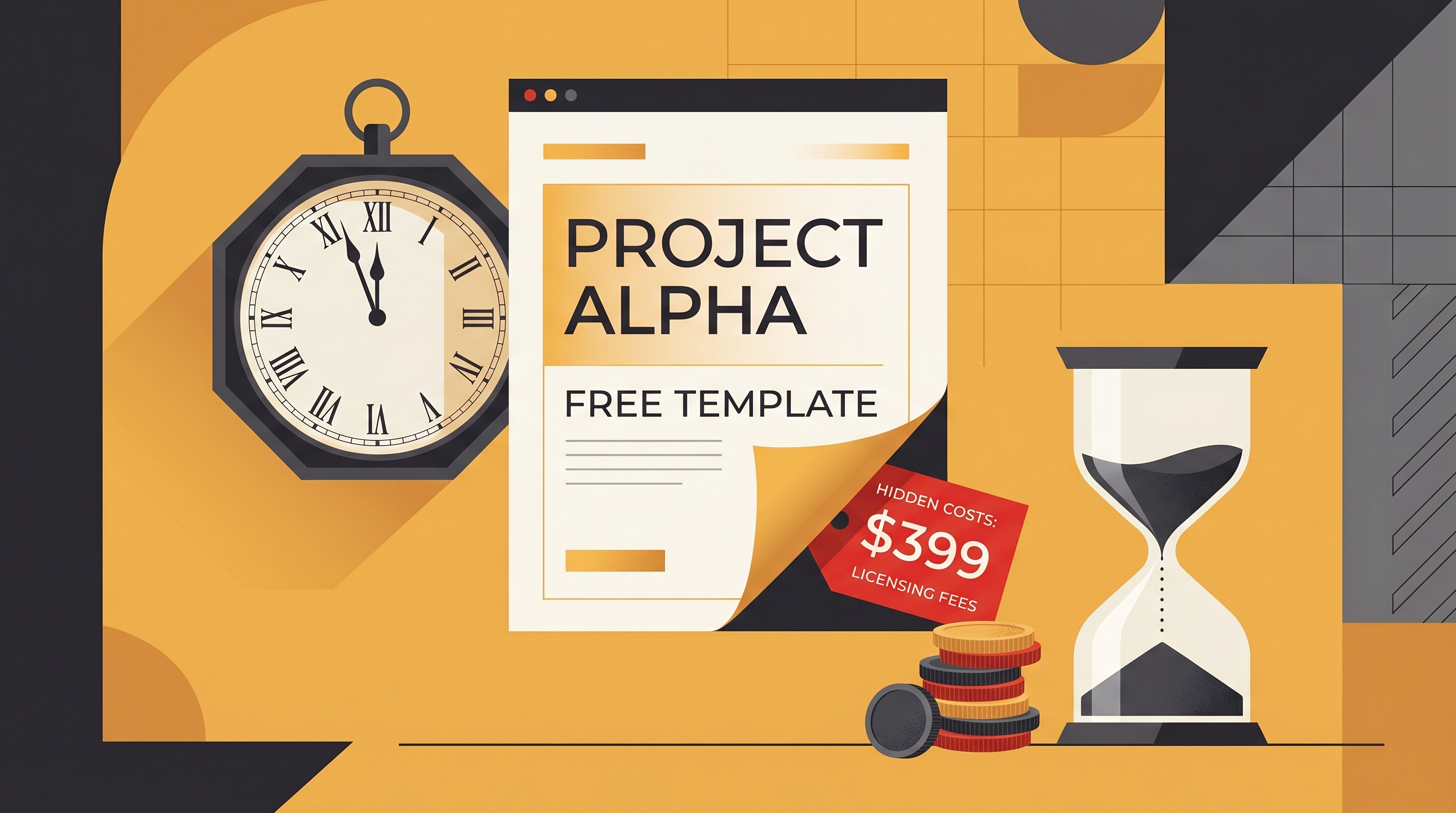
The true cost of a "free" design tool isn't the sticker price — it's your time and your brand. When you compare Canva vs hiring a designer or doing it yourself, the real bill shows up as hours lost wrestling templates and as generic, off-brand output that looks like everyone else's. The free design tool true cost is opportunity cost: the work you didn't ship because you were nudging a text box for the eleventh time.
This isn't a takedown. Canva and Figma are genuinely excellent products, and we'll say exactly where they shine. But "free" deserves an honest accounting, because the part nobody invoices you for — your time — is usually the most expensive line item.
What "free" actually means
Free design tools remove the upfront cash barrier, and that's a real benefit. You can open Canva or a Figma file and start moving pixels without a credit card. The catch is that the tool hands you a blank-ish canvas and a library. You still supply the labor, the taste, and the brand discipline. The price didn't disappear — it moved from your wallet to your calendar.
Three hidden costs hide inside "free":
- Time (opportunity cost). Every hour spent tweaking a template is an hour not spent on the thing that actually grows your business.
- Consistency drift. Pick a different template next week and your feed slowly stops looking like one brand.
- Sameness. Popular templates are popular. Generic input tends to produce off-brand, recognizable-as-a-template output.
Where Canva and Figma genuinely win
Credit where it's due. Canva's template library is enormous and its learning curve is famously gentle — for a one-off flyer, a quick social graphic, or a non-designer who needs something presentable today, it's hard to beat. Figma is a precision instrument: design systems, multi-screen product UI, tight team collaboration, and pixel-level control. If your work is building a product interface or maintaining a component library, Figma is the right room to be in.
Neither was built to mass-produce dozens of on-brand marketing assets a week with zero manual layout. That's the gap where the hidden cost lives.
The time-cost math nobody runs
Here's the calculation that matters. Put a number on your hour — even a rough one. A founder or marketer's time is often worth $50–$150/hour when you factor in what else they could be doing. Now count the editing.
A "quick" template edit is rarely quick. Realistically, taking a template and making it genuinely yours — swapping copy, fixing fonts that don't match your brand, recoloring, realigning, exporting at the right size — runs 20–45 minutes per asset once you include the fiddly parts. Call it 30 minutes average.
| Volume per week | Time at ~30 min each | Cost at $75/hr |
|---|---|---|
| 5 assets | ~2.5 hours | ~$188 |
| 10 assets | ~5 hours | ~$375 |
| 20 assets | ~10 hours | ~$750 |
At 10 assets a week, that's roughly 5 hours and ~$375 of your time every week — about $1,500 a month — for output that often still looks like a template. The tool was "free." The labor was not. These are illustrative estimates, but plug in your own rate and asset count; the pattern holds.
And that math assumes you have the skill. If you don't, add the cost of learning, the cost of redoing work that looked off, and the slow tax of a feed that never quite feels cohesive.
DIY template editing vs AI generation
The structural difference is simple. With a template tool you assemble — you start from someone else's layout and bend it toward your brand by hand. With AI generation you describe — you give a prompt and a stored brand profile, and the tool produces on-brand options. One is manual labor; the other is direction.
| Factor | DIY template editing | AI generation (brand-aware) |
|---|---|---|
| Time per asset | ~20–45 min of manual work | Seconds to a first draft |
| Real cost | "Free" tool + your hourly time | Subscription, minimal hands-on time |
| Brand consistency | Drifts; depends on you each time | Pulled from a saved brand profile every time |
| Skill required | Layout, typography, color sense | Ability to describe what you want |
| Output feel | Recognizable-as-a-template risk | Generated around your brand, not a stock layout |
| Scaling to volume | Linear — more assets, more hours | Flat — volume barely changes your effort |
This is where Meepo fits naturally. Instead of editing templates, you store your colors, fonts, logo, and guidelines once as a brand profile, then generate posters, social posts, carousels, ads, captions, and videos that come out on-brand by default. The model is AI-instant, human-polished: AI produces concepts in seconds, and on agency plans senior human designers refine them within 24 hours. For a sense of the credit economics, roughly 1 credit produces an image and about 6 credits produce a 6-slide carousel — so volume stops being a time problem. There's a free plan (no credit card) if you want to feel the difference yourself.
How to audit your own "free" tool cost
Run this in ten minutes before your next design sprint.
- Track one real asset, end to end. Time yourself from blank template to export. The honest number is usually higher than the felt one.
- Multiply by weekly volume. That's your true weekly time cost in hours.
- Apply your hourly value. Even a conservative rate reveals what "free" is really costing you.
- Score consistency. Lay your last 12 posts side by side. Do they look like one brand or twelve templates? Drift is a cost too.
- Compare against a generation workflow. Estimate the same output via brand-aware AI. If the time delta is large, the "free" tool is the expensive option.
For more on why that consistency line matters as AI floods feeds with lookalike content, see why brand consistency matters more in the AI era. And if you produce volume, the creator economy's design problem covers the affordable-graphics angle in depth.
So is "free" ever the right call?
Yes — and being honest about that is the point. If you need one graphic occasionally, Canva's free tier is a great answer. If you're building product UI, Figma is the correct tool and the time cost is justified work. The trap is using a template editor as a content factory: that's where hours pile up and brand coherence quietly erodes. Match the tool to the job, count the hours honestly, and "free" stops fooling you.
FAQ
Is Canva really free, or are there hidden costs?
Canva has a genuinely useful free tier, so there's no hidden charge in the pricing sense. The hidden cost is time and consistency. Manually editing templates takes real minutes per asset, and that opportunity cost adds up fast at volume, while hand-assembled templates tend to drift off-brand over time.
Canva vs hiring a designer — which is cheaper?
It depends on volume and how you value your own time. Canva looks free until you count the hours you spend editing; a designer costs cash but saves your hours and usually delivers stronger, more on-brand work. For steady, high-volume output, brand-aware AI generation often beats both on combined time and cost.
How much time does editing a template actually take?
Realistically, taking a template from blank to a polished, on-brand export runs about 20 to 45 minutes once you include copy changes, font fixes, recoloring, alignment, and resizing. People underestimate it because individual tweaks feel quick. Across 10 assets a week, that's roughly five hours of work.
What is the opportunity cost of free design tools?
Opportunity cost is the value of what you could have done instead of editing graphics. If your time is worth 75 dollars an hour and you spend five hours a week in a template editor, that's about 375 dollars of value weekly, even though the tool charged you nothing. The cash price hides a much larger time price.
How is AI design generation different from template editing?
Template editing means assembling an asset by hand from a pre-made layout, so the effort scales with every asset you make. AI generation means describing what you want and letting the tool produce on-brand options from a stored brand profile. The difference is manual assembly versus direction, and it changes how cost scales with volume.
Is Figma a good choice for marketing graphics?
Figma is outstanding for product UI, design systems, and detailed team collaboration, where its precision is a genuine strength. For producing many on-brand marketing assets quickly, it asks for more manual layout work than most marketers want to do. Match it to interface and system work, and use a brand-aware generation tool for high-volume creative.
Ready to automate your design workflow?
Try Meepo free — AI generates designs instantly, human designers polish to agency quality.
Start Free