
How to Design a Menu Board That Drives Sales — A Restaurant Owner's Guide
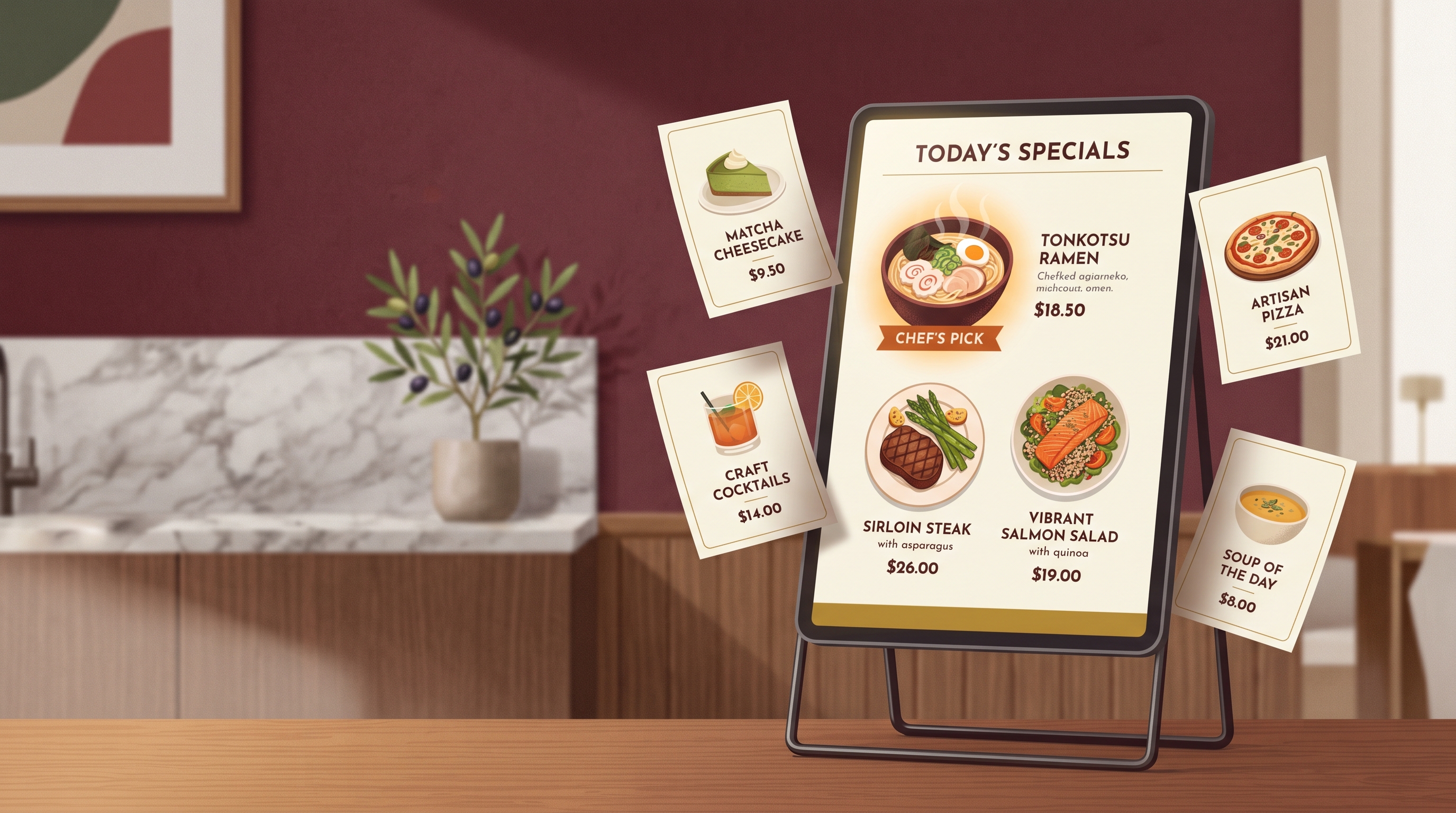
A menu board that drives sales guides the eye to your highest-margin dishes first, prices them without dollar signs, and limits choices so guests decide faster. Good restaurant menu board design isn't decoration — it's quiet salesmanship that lifts average order value without raising a single price. If you've searched for "restaurant menu board design" hoping for layout rules that actually move revenue, this guide gives you the psychology, the placement map, and a way to produce on-brand boards without hiring a designer.
The principles below apply whether you're printing a wall board, refreshing a counter display, or building a digital menu screen. They're rooted in how people read, scan, and decide under mild pressure — exactly the state a hungry customer is in.
Why menu design is really pricing strategy
Most owners treat the menu as a list; customers treat it as a recommendation. Where an item sits, how its price is written, and what surrounds it all signal "order this." Control those signals and you nudge guests toward the dishes you want to sell — your best-margin items — instead of leaving the choice to chance. A few points of average order value, applied across every ticket for a year, often beats a new campaign, and unlike discounts it costs nothing per order once it's done.
The psychology that increases average order value
These are the levers that reliably shift what people order. Use them deliberately.
Anchor and decoy pricing
Place one premium item near the top of a category. That "anchor" makes everything below it feel reasonable by comparison — a $24 steak makes the $18 one look like a smart, mid-range choice. A decoy works similarly: a slightly overpriced option that exists mainly to make your target item the obvious value pick. Guests rarely buy the decoy; they buy the thing it was placed next to.
Remove currency symbols
Dropping the dollar sign (write 18, not $18.00) consistently reduces "pain of paying." The symbol reminds people they're spending money; the bare number reads as a quality tier, not a cost. Avoid trailing .99 too — round, clean numbers feel more premium and are easier to scan.
Limit the choices
When a category has more than about seven items, decision fatigue sets in and people default to the familiar (and often cheaper) option. Tighter categories speed up ordering, reduce kitchen complexity, and let you spotlight the dishes you actually want to push. Less is genuinely more profitable.
Use photos sparingly and well
One appetizing photo can lift orders of that specific dish — but a board crowded with images looks like fast food and cheapens everything. Reserve photography for one or two hero items per board, and keep the styling consistent with your brand.
The golden triangle and Z-pattern eye flow
Eyes don't read a menu top-to-bottom. On a printed or screen layout, they tend to land in the upper-middle first, drift to the top-right, then to the top-left — the so-called golden triangle. On wider, single-panel boards the gaze often follows a Z-pattern: across the top, diagonally down, then across the bottom.
The takeaway is the same for both: your prime real estate is the top portion and the natural "first glance" zone. Put high-margin and signature items there. Bury low-margin necessities (a plain side, a basic soda) where the eye arrives last.
Here's how to map your board to those zones:
| Menu zone | What to place there | Why it works |
|---|---|---|
| Top / golden-triangle center | Highest-margin signature dish, with a photo | Catches the first glance and frames the whole menu |
| Top-right | Premium anchor item or chef's special | Eyes drift here second; sets the price ceiling |
| Top-left | Strong secondary high-margin item | Third stop in the natural scan path |
| Boxed / highlighted callout | The one item you most want to sell | A border or shading pulls the eye out of normal flow |
| Bottom / Z-pattern tail | Low-margin staples, plain sides, basic drinks | Arrives last, so it won't distract from profit items |
Boxing or shading a single item is one of the strongest moves available — a simple border around your target dish reliably increases how often it's ordered, because it interrupts the scan and says "look here."
Designing for digital menu boards specifically
Digital menu design tips differ a little from print. Screens give you motion, dayparting, and easy updates — use them with restraint:
- Keep one screen scannable in under 7 seconds. If a guest can't find a category fast, you've lost them. Group tightly and label clearly.
- Use subtle motion only on the hero item. A gentle highlight draws the eye; a board full of animation just creates noise and looks cheap.
- Daypart your content. Show breakfast items in the morning and high-margin dinner plates at night, instead of one static everything-board.
- Maintain legibility at distance. Big type, high contrast, no more than two fonts. If staff can read it from the counter, customers can read it from the line.
- Stay on-brand across every screen. Same colors, same logo, same type — consistency reads as quality, and quality justifies your prices.
Strong fundamentals matter most when you have a hungry crowd watching — the same instinct that makes a brand worth following online. (If foot traffic is the goal, pair good boards with a sharper social presence: see how marketing makes an F&B business go viral.)
Producing on-brand boards without a designer
Knowing the rules is one thing; executing them in a polished, branded layout is another. Traditionally that means a freelance designer — often a few hundred dollars and several days per board, and another round every time you change a price or add a seasonal item.
An AI design tool closes that gap. Meepo stores your restaurant's colors, fonts, and logo in a brand kit, then generates posters, menu boards, and matching social posts that follow those guidelines automatically. You describe the menu and the dishes you want to feature; it produces an on-brand layout you can refine in seconds. The same brand profile keeps your printed board, your digital screen, and your Instagram post visually consistent.
| Approach | Typical cost per board | Turnaround | Edits & seasonal updates |
|---|---|---|---|
| Freelance designer | Several hundred dollars | A few days | New fee and wait each time |
| DIY in generic software | Low cash cost | Hours of fiddling | Manual, easy to break brand consistency |
| AI design tool (Meepo) | A few credits per asset | Seconds to a first draft | Re-prompt and regenerate instantly |
A simple AI workflow for your next board
- Set up your brand kit. Add your logo, two brand colors, and your fonts so every output is on-brand from the start.
- List your features and anchors. Decide which one dish goes in the golden triangle and which premium item is your price anchor.
- Prompt the layout. Describe the categories, the hero item, and the placement you want. The tool drafts a board that respects your brand.
- Apply the psychology. Strip currency symbols, box your target item, and trim any category over seven lines.
- Generate the matching set. Produce a digital-screen version and a social post from the same brand profile so everything aligns.
A useful starting prompt for an AI design agent:
Design a digital menu board for a casual bistro using my brand kit.
Categories: Mains, Small Plates, Drinks. Feature the braised short rib
as the hero with one photo at top-center. Make the ribeye the premium
anchor in the top-right. No currency symbols, round prices, max 6 items
per category. Box the short rib.
Meepo's MCP server lets you drive this from an AI chat you already use — connect it via the setup guide and ask for boards, updates, and seasonal refreshes in plain language. The free plan needs no credit card if you want to test a board first; you can sign up free and have a draft in minutes.
FAQ
How does menu board design increase sales?
Menu board design increases sales by guiding attention to high-margin items, framing prices so they feel reasonable, and reducing decision fatigue. Placing signature dishes in the natural first-glance zone, removing currency symbols, and boxing a target item all nudge guests toward more profitable orders without raising any prices. The gains compound across every ticket over time.
Where should I put my most profitable items on a menu?
Put your most profitable items in the top portion of the board, where the eye lands first. On standard layouts that means the upper-middle and top-right, the start of the golden triangle. Boxing or shading one target dish pulls it out of the normal reading flow and reliably increases how often it's ordered.
Should menu prices include dollar signs?
Generally no. Removing currency symbols reduces the "pain of paying," so a price reads as a quality tier rather than a cost. Writing clean, round numbers without trailing decimals also looks more premium and is faster to scan, which tends to lift average order value.
How many items should each menu category have?
Aim for roughly five to seven items per category. Beyond that, decision fatigue sets in and guests default to familiar, often cheaper choices. Tighter categories speed up ordering, simplify the kitchen, and let you spotlight the dishes you most want to sell.
What are the best dimensions for a digital menu board?
Match the dimensions to your screen's native resolution, most commonly a 1920 by 1080 landscape display, and design so any single screen can be scanned in under seven seconds. Use large, high-contrast type, no more than two fonts, and reserve motion for the hero item only so the board stays legible from across the room.
Can I design a menu board without hiring a designer?
Yes. An AI design tool like Meepo stores your colors, fonts, and logo in a brand kit and generates on-brand menu boards, digital screens, and matching social posts in seconds. You describe the dishes and placement you want, then refine the draft, which removes both the cost and the wait of a freelance designer.
Ready to automate your design workflow?
Try Meepo free — AI generates designs instantly, human designers polish to agency quality.
Start Free