
AI Video Generation for Marketing — A Complete Guide to Seedance 2.0 Workflows
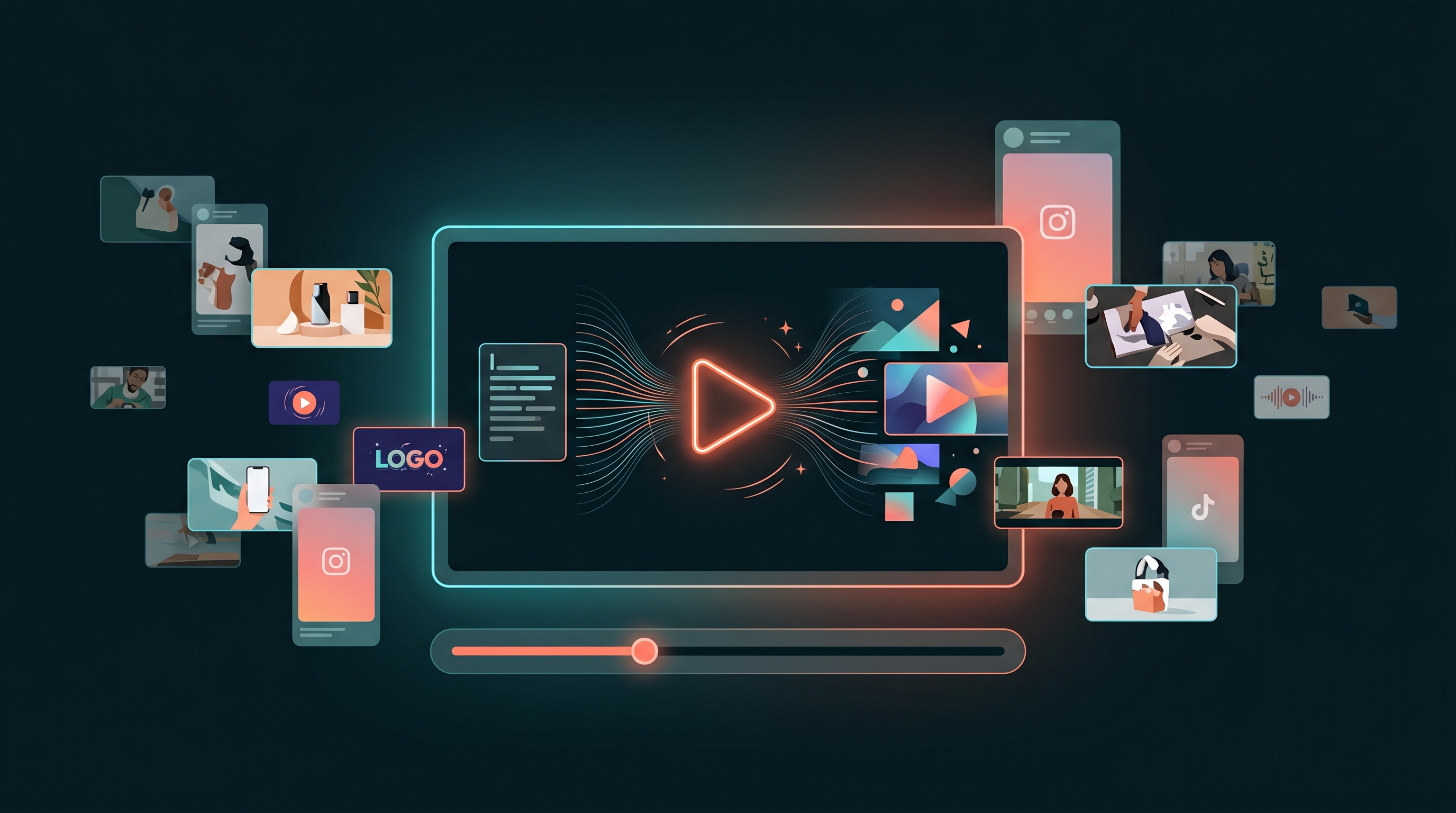
AI video generation for marketing is the process of using AI models to produce short marketing videos — product demos, testimonial-style clips, social reels, explainers, and event teasers — from a text prompt or storyboard idea, then formatting each one for its destination platform. Done well, it turns a video that once needed a shoot, a crew, and an edit suite into something you can draft, refine, and ship in an afternoon. This guide is a practical walkthrough of marketing-focused AI video workflows, the models behind them (including Seedance 2.0), and an honest look at what AI video does well and what it still doesn't.
Video is the format most teams know they need and least often produce, because the production cost is real. AI changes the economics: a single video in Meepo runs roughly 13 to 19 credits, which makes it cheap enough to test multiple concepts instead of betting everything on one expensive cut.
What AI video does well — and what it doesn't
Be clear-eyed before you start. AI video is genuinely strong for short, atmospheric, and concept-driven clips: a 5-to-10-second product hero shot, a mood-setting reel, a stylized explainer, an event teaser. It's fast, cheap to iterate, and great for filling a content calendar with motion.
It is weaker where precision and continuity matter. Long-form narrative, exact text rendering on screen, perfect lip-sync over many seconds, flawless brand-logo fidelity, and identical character continuity across many shots remain hard. Treat AI video as a powerful tool for short marketing units, not a replacement for a feature film — and plan to do a light human review pass on anything that ships.
| AI video strength | AI video limitation |
|---|---|
| Short clips (5–15s) | Long, continuous narratives |
| Mood, b-roll, abstract motion | Precise on-screen text and UI |
| Fast concept iteration | Perfect character continuity across shots |
| Stylized, atmospheric looks | Exact logo / brand-mark fidelity |
The models behind the workflow
Different AI video models suit different jobs, and Meepo generates video using more than one model under the hood — Seedance 2.0 is one of them. Seedance 2.0 is well suited to dynamic, cinematic motion, which is why it shows up often in marketing-style reels and teasers. The practical upshot for you: you describe the marketing outcome you want, and the platform routes to an appropriate model rather than asking you to learn each one's quirks. For a deeper breakdown of which models power what, see the AI models behind Meepo.
Step-by-step: a marketing video workflow
This is the core loop. Each step says what to do and why.
- Start from the message, not the visuals. Write the one sentence the viewer should remember before you touch any tool. A clear core message keeps the generated footage on-strategy instead of just looking cool.
- Sketch a storyboard idea in beats. Break the clip into 2–4 shots — hook, payoff, call to action — even if it's just a bulleted list. Thinking in beats gives the model concrete direction and stops you from over-loading a single prompt.
- Write a specific generation prompt per shot. Describe subject, motion, setting, lighting, and mood in plain language. Specificity is what separates a usable clip from a generic one; vague prompts produce vague footage.
- Generate the first pass. Produce the clip in Meepo at roughly 13 to 19 credits per video. Because it's cheap, generate a couple of variations of your hook shot rather than betting on one.
- Refine through iteration, not perfection. Adjust the prompt — tighten the motion, change the lighting, swap the camera move — and regenerate the weak shots. Iterating on individual beats is faster and cheaper than re-rolling the whole concept.
- Apply your brand layer. Add your on-brand frame, captions, logo, and end card so the clip reads as yours, since AI footage alone rarely nails brand marks. Meepo's brand kit keeps colors, fonts, and logo consistent across every asset.
- Format for each platform. Export the right aspect ratio per channel — vertical for reels and stories, square or vertical for feeds, landscape for YouTube and websites. The same source clip should be reframed, not reused at the wrong shape.
- Add captions and a hook in the first second. Most social video is watched on mute, so burn in captions and lead with your strongest visual. The opening second decides whether the rest of the clip is ever seen.
- Review before publishing. Watch for warped text, off-brand artifacts, and anything that misrepresents the product, then fix or regenerate. A short human pass is the safeguard that keeps automated video trustworthy.
Example shot prompt: "Slow push-in on a matte-black water bottle on a wet stone surface, soft morning side-light, shallow depth of field, cool blue tones, gentle steam rising — 8 seconds, cinematic." Specific subject, motion, light, mood, and length.
Matching video type to format
Not every marketing video wants the same shape or length. Use this as a quick reference when you plan a batch:
| Video type | Best use | Recommended format / aspect ratio |
|---|---|---|
| Product demo | Show a feature or use case | Vertical 9:16 (1080×1920) for social; 16:9 (1920×1080) for site |
| Testimonial-style | Build trust with a relatable voice | Vertical 9:16 (1080×1920) or square 1:1 (1080×1080) |
| Social reel | Reach and top-of-funnel attention | Vertical 9:16 (1080×1920) |
| Explainer | Clarify how something works | Landscape 16:9 (1920×1080) for web; 9:16 cutdown for social |
| Event teaser | Drive sign-ups and hype | Vertical 9:16 (1080×1920), short and punchy |
Note that AI video can't fabricate a real customer, so "testimonial-style" means an on-brand, illustrative format — pair generated visuals with genuine quotes you have permission to use, and label clearly when something is a dramatization.
Turning one concept into many AI video ads
The cost structure rewards volume testing. Because each video is roughly 13 to 19 credits, you can generate several variations of the same AI video ad — different hooks, different opening shots, different end cards — and let performance decide the winner instead of committing to a single creative upfront. Generate three hook variants, run them, and double down on whichever earns attention. AI video on the Pro plan and above makes this kind of rapid creative testing affordable in a way traditional production never was.
You can also drive generation from a chat. Because Meepo is a design MCP server, an MCP-compatible assistant like Claude or ChatGPT can request video for you using the setup at /mcp — useful when video sits inside a larger automated campaign.
Keeping it honest and on-brand
The fastest way to lose trust with AI video is to over-promise visually — showing a product doing something it doesn't, or rendering claims you can't back up. Keep generated footage truthful to the real product, add a human review gate before publishing, and lean on a brand kit so every clip carries consistent colors, type, and logo. Used this way, AI video becomes a reliable, repeatable part of your marketing motion rather than a gimmick.
Want to put a few clips through the workflow? Sign up free and start testing — AI video is available on the Pro plan and above.
FAQ
What is AI video generation for marketing?
It is the use of AI models to create short marketing videos, such as product demos, social reels, explainers, and event teasers, from a text prompt or a simple storyboard idea. The model produces the footage, and you refine it, add brand elements, and format it for each platform. It dramatically lowers the cost and time of producing short video compared with a traditional shoot.
What is Seedance 2.0 and how does Meepo use it?
Seedance 2.0 is an AI video model known for dynamic, cinematic motion, which makes it a good fit for marketing reels and teasers. Meepo generates video using more than one model, and Seedance 2.0 is one of them. You describe the result you want and the platform routes to an appropriate model, so you do not have to master each one individually.
How much does an AI video cost in Meepo?
A video in Meepo costs roughly 13 to 19 credits, depending on the request. That low per-video cost is what makes it practical to generate several variations and test them rather than betting on a single expensive cut. AI video is available on the Pro plan and above, which also adds more brands and credits than the free tier.
What can AI video not do well yet?
AI video struggles with long continuous narratives, precise on-screen text and UI, perfect character continuity across many shots, and exact logo or brand-mark fidelity. It excels instead at short, atmospheric, concept-driven clips of roughly 5 to 15 seconds. The practical approach is to use it for short marketing units and add your brand layer and a human review pass before publishing.
What aspect ratio should marketing videos use?
It depends on the destination. Use vertical 9:16, or 1080 by 1920, for reels, stories, and most social feeds, since that fills a phone screen. Use landscape 16:9, or 1920 by 1080, for website and YouTube placements, and square 1:1, or 1080 by 1080, where a feed favors it. The same source clip should be reframed for each platform rather than posted at the wrong shape.
How do I keep AI-generated marketing video on-brand?
Set up a brand kit with your colors, fonts, and logo so every clip can carry consistent styling, then add your branded frame, captions, and end card to each generated video. Keep the footage truthful to the real product and run a short human review before anything goes live. This combination of a brand layer plus a review gate is what makes automated video reliable rather than risky.
Ready to automate your design workflow?
Try Meepo free — AI generates designs instantly, human designers polish to agency quality.
Start Free